 Marc Mintel
5397309103
Marc Mintel
5397309103
Some checks failed
Build & Deploy / 🔍 Prepare (push) Successful in 20s
Build & Deploy / 🧪 QA (push) Failing after 34s
Build & Deploy / 🏗️ Build (push) Has started running
Build & Deploy / 🚀 Deploy (push) Has been cancelled
Build & Deploy / 🧪 Smoke Test (push) Has been cancelled
Build & Deploy / ⚡ Lighthouse (push) Has been cancelled
Build & Deploy / 🔔 Notify (push) Has been cancelled
52 lines
1.0 KiB
Plaintext
52 lines
1.0 KiB
Plaintext
|
|
|
|
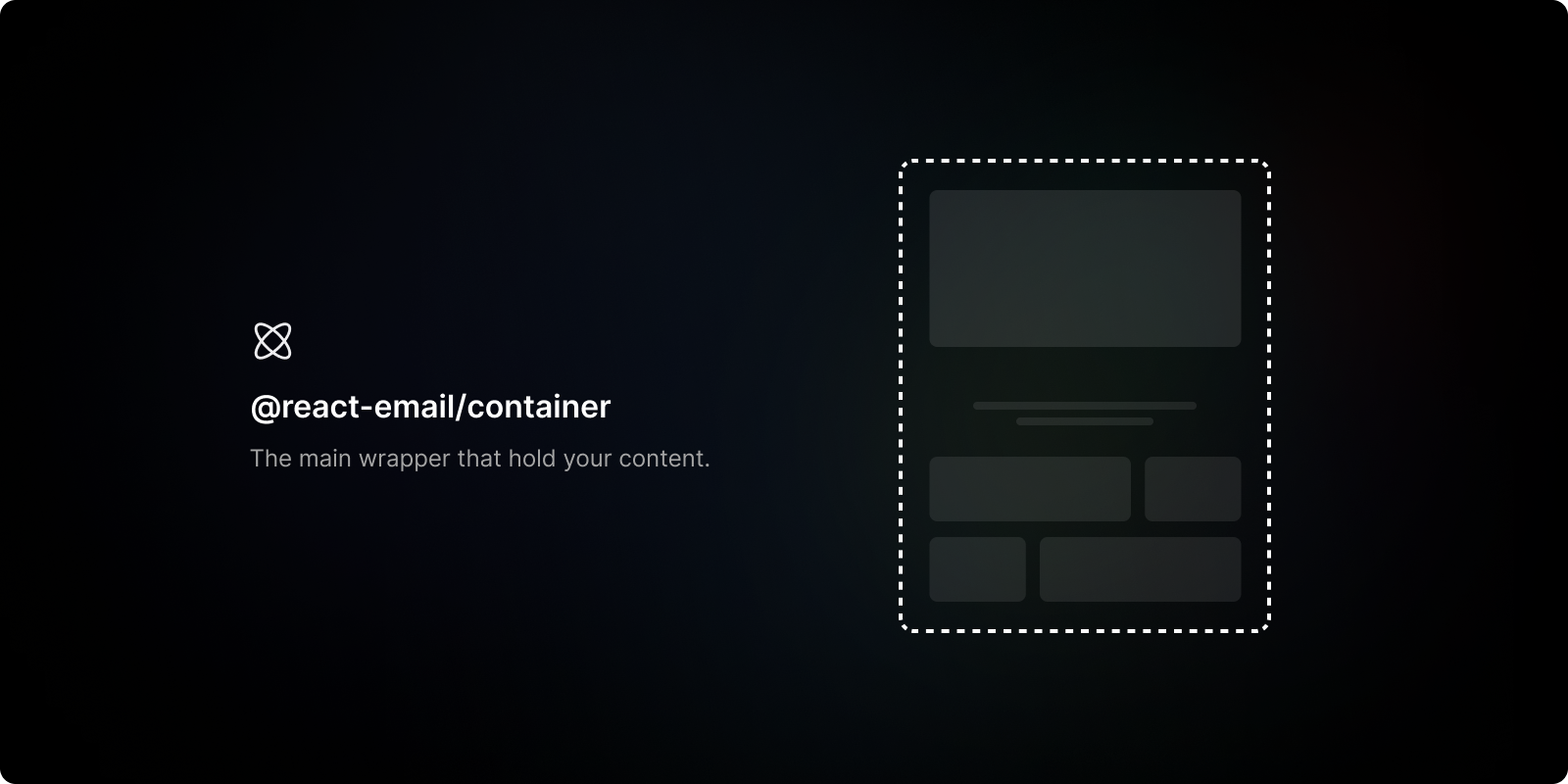
<div align="center"><strong>@react-email/container</strong></div>
|
|
<div align="center">A layout component that centers all the email content.</div>
|
|
<br />
|
|
<div align="center">
|
|
<a href="https://react.email">Website</a>
|
|
<span> · </span>
|
|
<a href="https://github.com/resend/react-email">GitHub</a>
|
|
<span> · </span>
|
|
<a href="https://react.email/discord">Discord</a>
|
|
</div>
|
|
|
|
## Install
|
|
|
|
Install component from your command line.
|
|
|
|
#### With yarn
|
|
|
|
```sh
|
|
yarn add @react-email/container -E
|
|
```
|
|
|
|
#### With npm
|
|
|
|
```sh
|
|
npm install @react-email/container -E
|
|
```
|
|
|
|
## Getting started
|
|
|
|
Add the component to your email template. Include styles where needed.
|
|
|
|
```jsx
|
|
import { Button } from "@react-email/button";
|
|
import { Container } from "@react-email/container";
|
|
|
|
const Email = () => {
|
|
return (
|
|
<Container>
|
|
<Button href="https://example.com" style={{ color: "#61dafb" }}>
|
|
Click me
|
|
</Button>
|
|
</Container>
|
|
);
|
|
};
|
|
```
|
|
|
|
## License
|
|
|
|
MIT License
|